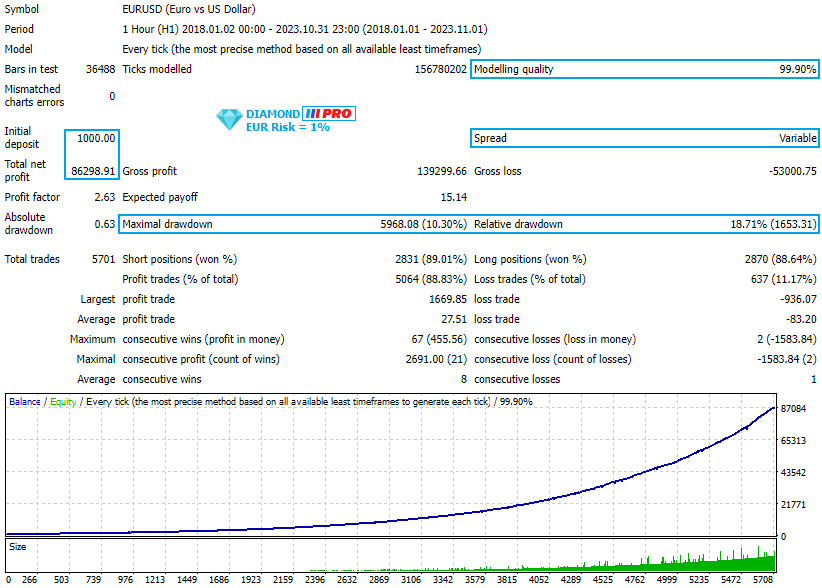

It works like a magic!
As a trader, I found this tool useful for spotting market trends and making informed decisions. The real-time data and clear chart patterns help identify potential trade opportunities.

INSTANT DOWNLOAD!
Your price: $14.00
Content: Expert: Diamond PRO EA v14.ex4 (Unlocked-Unlimited), Presets: 9, NO MANUAL.
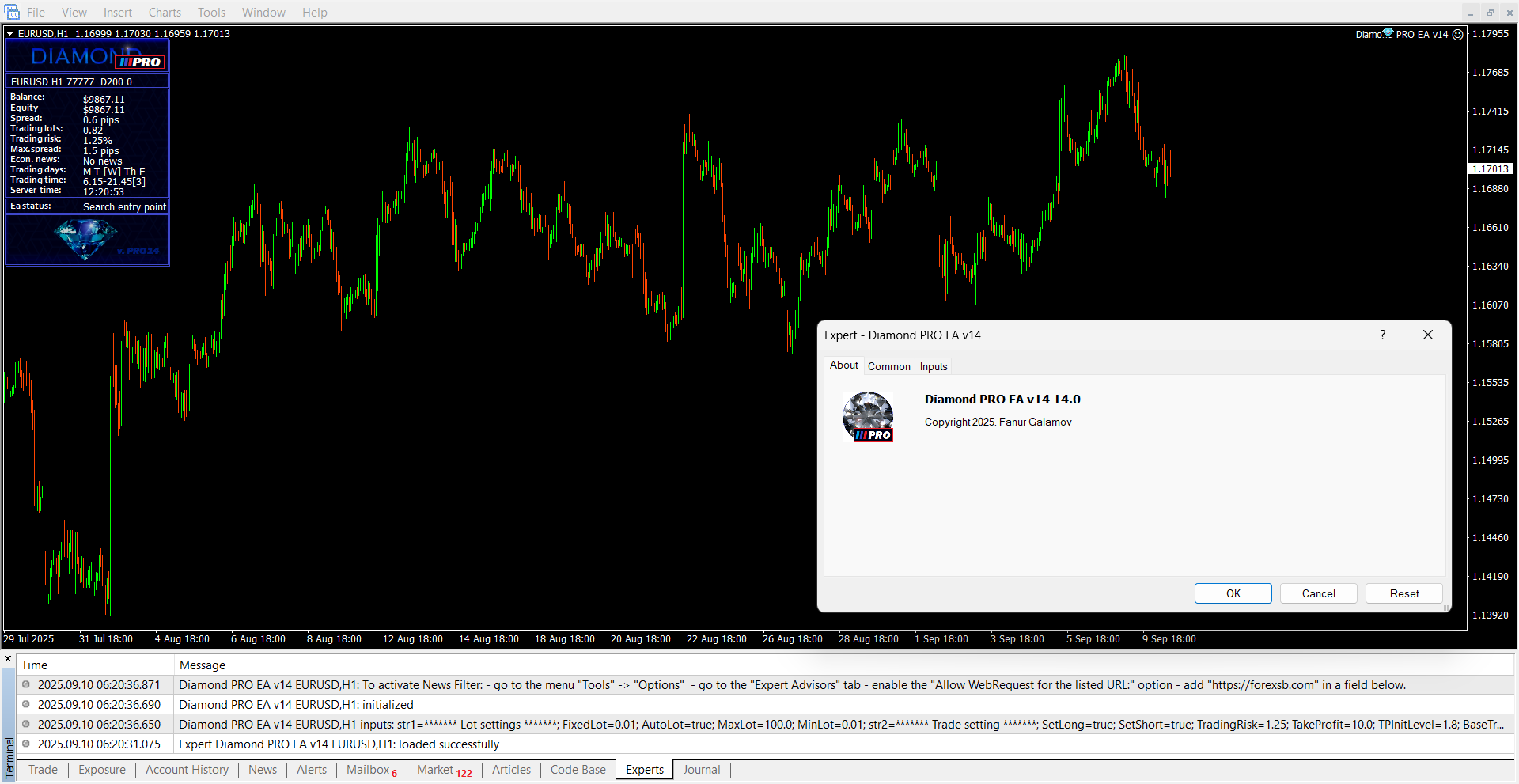
💎 Diamond PRO EA — Overview
Diamond PRO is the enhanced, professional-grade version of the original Diamond EA, designed for advanced Forex traders seeking:
-
Greater accuracy
-
Better risk control
-
Higher performance
-
Full automation
🔑 Key Features
-
✅ Advanced Trading Algorithm – Improved logic for high-quality trade setups
-
✅ Accurate Entry Point Filter – Optimized to reduce false signals
-
✅ Multi-Stage Profit Closing – Dynamic exit system to maximize gains
-
✅ Expanded Parameter List – Full control for custom strategies
-
✅ Smart Money Management – Supports auto-lot sizing and risk scaling
-
✅ Economic News Filter – Skips high-impact news events
-
✅ High Spread Protection – Avoids poor conditions
-
✅ Day & Time Filters – Allows time-restricted trading
-
✅ Fully Automated – Set-and-forget trading experience
⚙️ Requirements
-
📈 Platform: MetaTrader 4 (MT4)
-
💻 Account Type: ECN or Raw Spread
-
💰 Minimum Deposit: $200
-
⏱️ Timeframe: H1
-
💱 Pairs: EURUSD, GBPUSD, USDJPY
-
🌐 Environment: Fast, stable VPS recommended
🧩 Installation & Setup Guide
1. Enable News Filter
-
Open MT4:
Tools > Options > Expert Advisors -
Enable: ✅ Allow Web Requests for listed URL
-
Add this link:
2. Set Broker Time (GMT Offset)
-
In Server MT parameter, input your broker’s GMT offset (e.g., GMT+2)
3. Attach EA to Chart
-
Load a chart (EURUSD, GBPUSD, or USDJPY) on H1
-
Attach Diamond PRO EA
-
Click Load and choose the appropriate
.setfile -
Enable ✅ Auto Trading from MT4 toolbar
-
Allow live trading in EA settings
📌 Important Notes
-
⚠️ News Filter works only in live trading — not visible in backtests
-
🧠 Use
.setfiles for optimized, tested configurations -
🛡️ The EA avoids risky periods using spread/news/time filters
-
🎯 Aims for consistent profits with controlled risk
📋 Best Practices
-
Start with low risk settings and monitor performance
-
Use a regulated broker with tight spreads and fast execution
-
Always run the EA on a VPS with low latency
-
Test
.setfiles on demo account before going live -
Match GMT offset correctly to enable effective news filtering
Would you like:
-
Pre-optimized
.setfiles for each pair? -
A PDF cheat sheet or infographic?
-
Help writing marketing or product descriptions for a website?
Please note. News filter is great protection, and it works only at live trading.