
Crash-Proof EA Templates You Can Use in 2026
Automated trading carries risks, but crash-proof EA templates protect capital and limit losses. These templates...


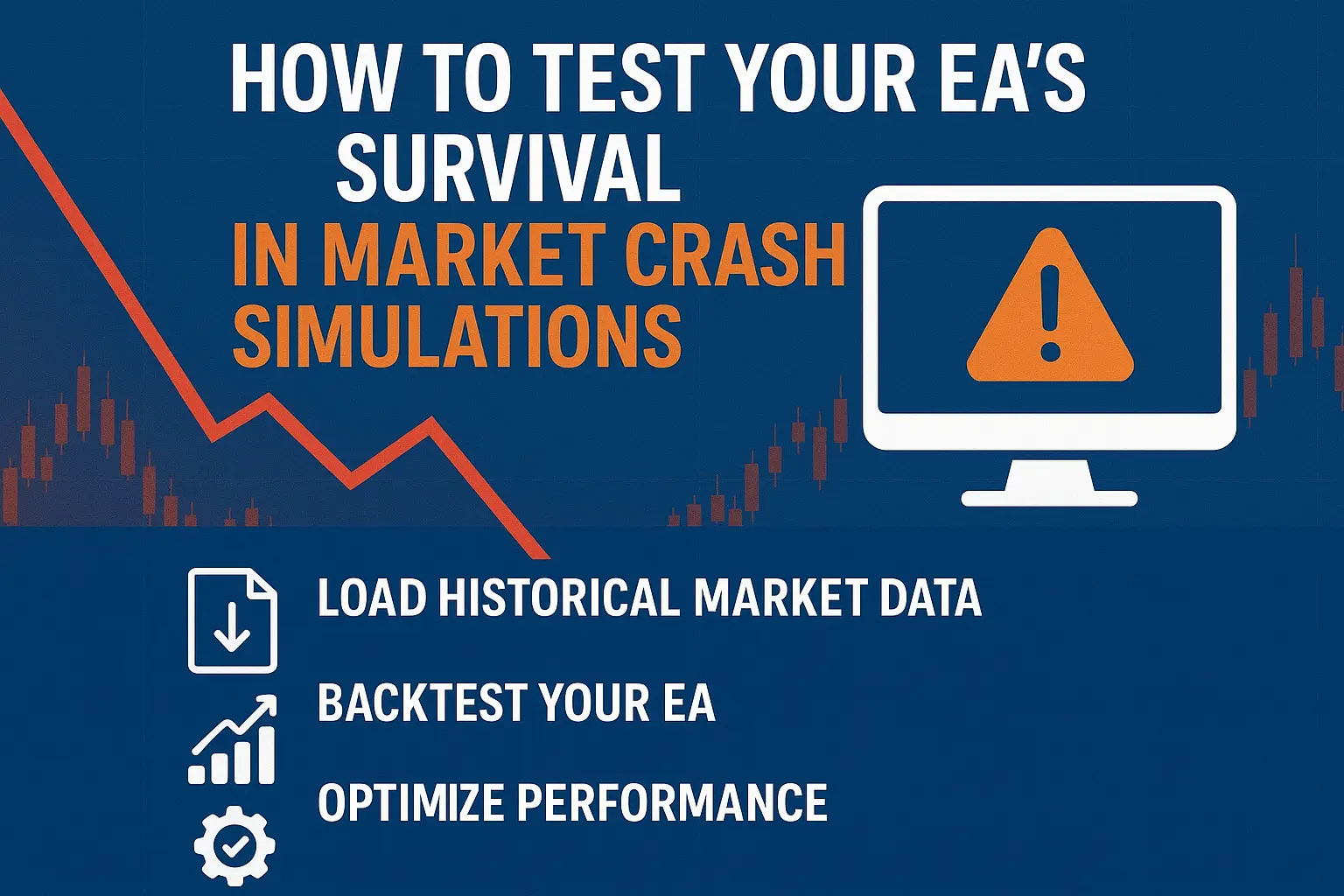
Market crashes can be devastating for forex traders, especially if your Expert Advisor (EA) is unprepared. Testing your EA’s performance under extreme market conditions is essential to protect your capital and ensure long-term survival. By running crash simulations, you can identify weaknesses, optimize risk management, and improve your trading strategies. This guide will show you step-by-step how to perform these tests effectively.
Even the most profitable EA can fail during sudden market crashes. Unforeseen volatility can lead to unexpected drawdowns, triggering stop-losses or margin calls. Crash simulations help you:
Without proper testing, traders risk significant losses during economic shocks, geopolitical events, or sudden market gaps.
Before running simulations, ensure your EA and trading platform are ready. Steps include:
Import historical price data into your trading platform. Ensure the data includes periods of extreme volatility and gaps. For MT4/MT5, you can use the platform’s “History Center” to download and load data.
Run backtests using the historical data. Observe how your EA reacts to sudden price drops or spikes. Track key metrics such as:
Use the backtesting results to evaluate:
Adjust your EA parameters to improve survival during crashes. Consider reducing lot sizes, widening stop-losses for volatile pairs, or using adaptive algorithms.
After optimization, run forward tests on a demo account using simulated crash conditions. This ensures changes are effective in live-like environments.
For traders who want advanced testing, these tools can help:
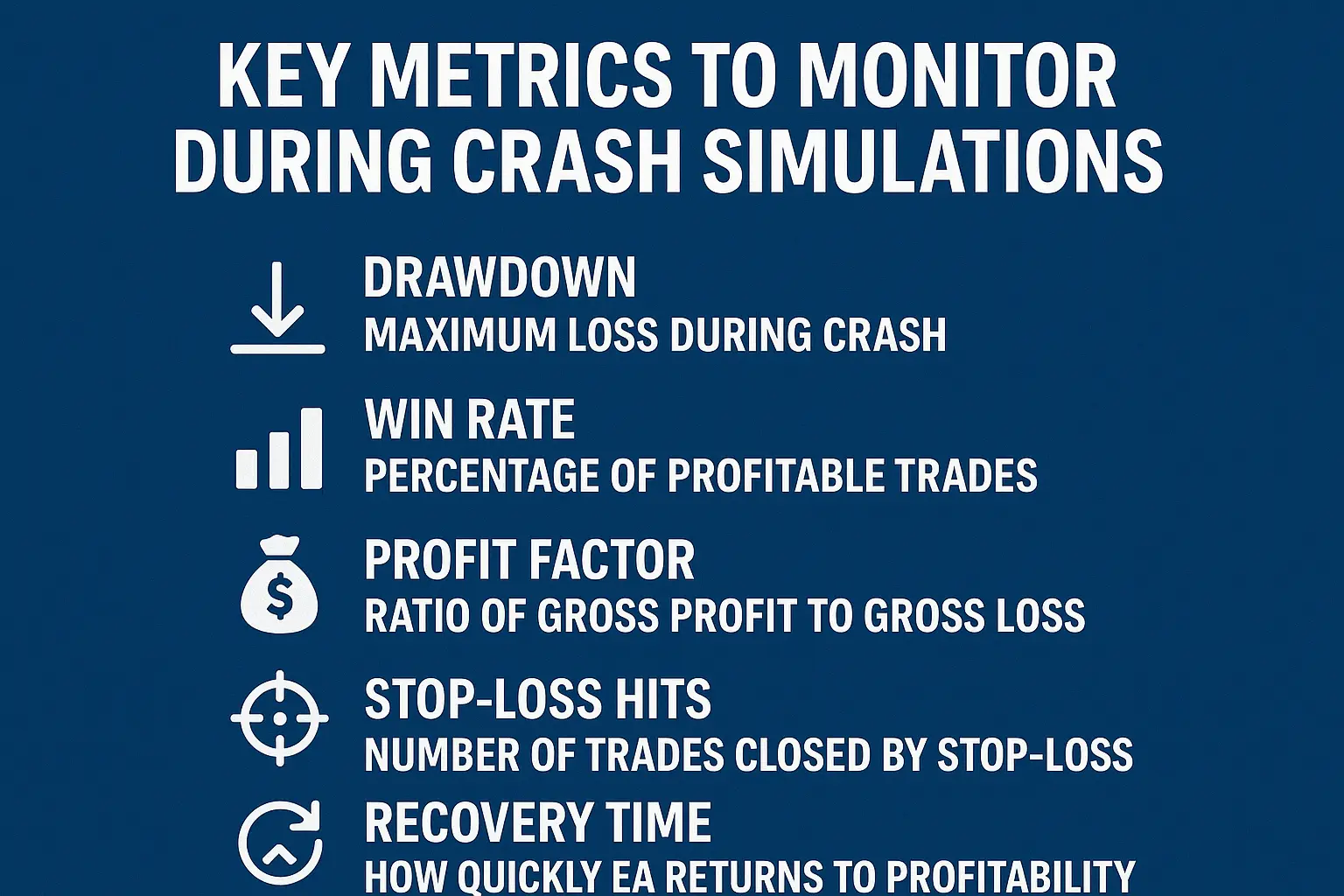
| Metric | What It Measures | Importance |
|---|---|---|
| Drawdown | Maximum loss during crash | Indicates risk exposure |
| Win Rate | Percentage of profitable trades | Shows EA reliability |
| Profit Factor | Ratio of gross profit to gross loss | Evaluates overall profitability |
| Stop-Loss Hits | Number of trades closed by stop-loss | Tests risk management efficiency |
| Recovery Time | How quickly EA returns to profitability | Measures resilience |
Q: Can crash simulations guarantee my EA will survive future crashes?
A: No, but simulations improve preparedness and help identify weaknesses in advance.
Q: How often should I test my EA for market crashes?
A: At least once per quarter, or whenever major economic events occur.
Q: Can beginners perform crash simulations?
A: Yes, using demo accounts and pre-built EAs, beginners can safely test performance.
Q: Are adaptive EAs better for crash survival?
A: Adaptive EAs, like FX ID EA, adjust trade decisions during volatility, which improves survival chances.
According to Investopedia, backtesting and simulations are critical for evaluating trading strategies under extreme market conditions. BabyPips explains that automated strategies require thorough testing to handle volatility. DailyFX highlights that testing EAs under different scenarios, including market crashes, improves overall risk management and trading confidence.
Testing your EA for survival during market crashes is a vital step for every serious trader. By combining historical data, careful backtesting, forward testing, and parameter optimization, you can identify weaknesses and prepare your EA for extreme market conditions. Using adaptive robots and proper risk management ensures that your trading strategy remains resilient, even in the most volatile periods.
Automated trading carries risks, but crash-proof EA templates protect capital and limit losses. These templates...
Understanding major and minor currency pairs is the first step in forex trading. Understanding major...