
Crash-Proof EA Templates You Can Use in 2026
Automated trading carries risks, but crash-proof EA templates protect capital and limit losses. These templates...


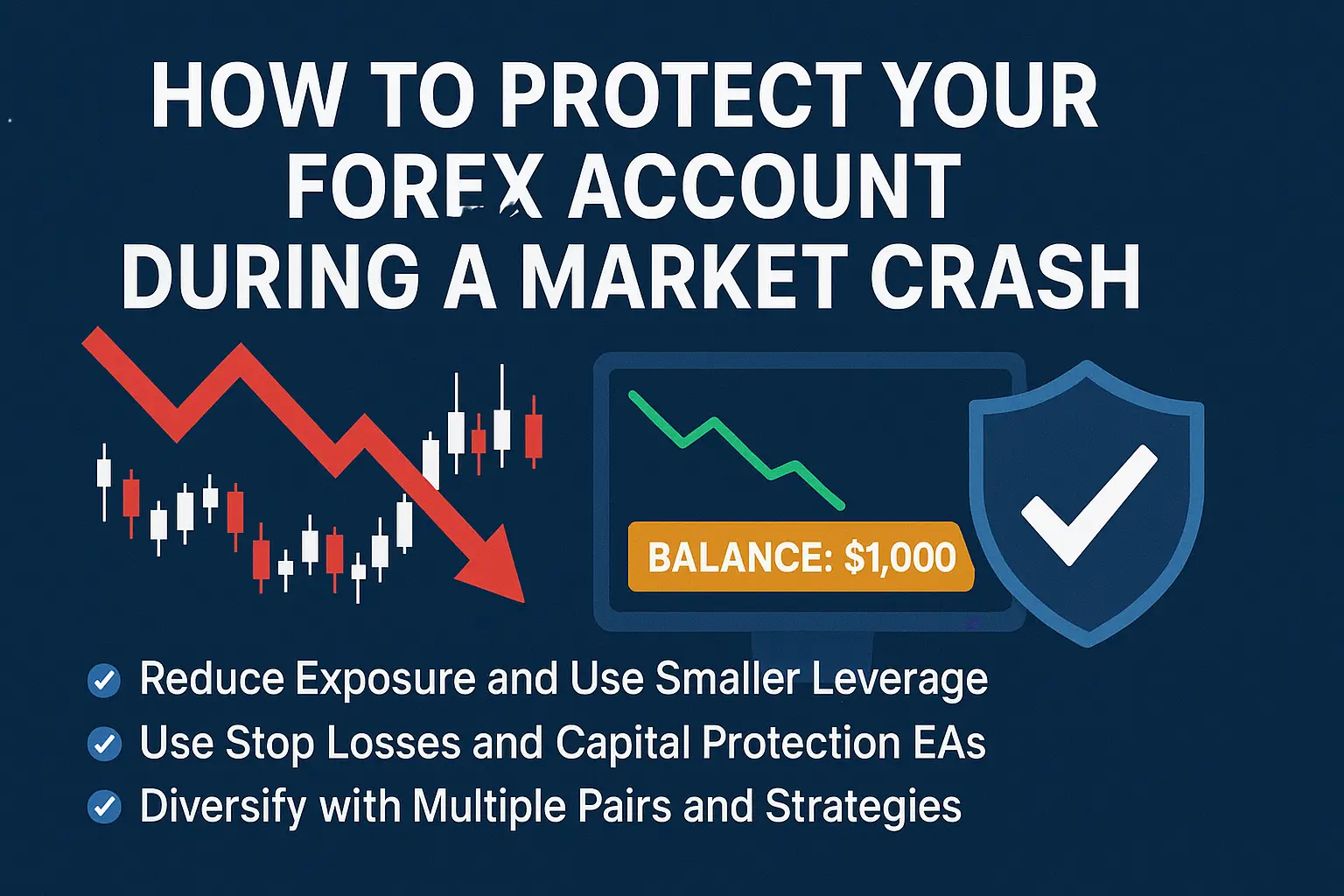
When the forex market crashes, panic takes over. Prices swing wildly, brokers widen spreads, and traders watch their equity vanish in seconds. But here’s the truth — traders who prepare in advance rarely lose everything. They stay calm, use strong risk controls, and rely on smart tools like protective EAs and volatility filters.
In this comprehensive guide, we’ll explain how to safeguard your forex account during a market crash, how to use automation to limit losses, and which tools from GregForex can help you stay safe and recover faster.
A forex crash happens when global instability triggers large, unexpected currency movements. During events like the 2025 crash, pairs like GBP/USD and EUR/USD dropped sharply within hours. Liquidity vanished, and even low-risk traders suffered slippage or stop-outs.
Crashes can be caused by:
Knowing how crashes unfold helps you recognize early warning signs. Traders using volatility indicators such as the Volatility Filter Pro can spot these conditions before they become disasters.
During stable conditions, high leverage might seem profitable — but in a crash, it’s deadly. When volatility spikes, leveraged trades magnify every pip movement.
To protect your forex account:
For instance, if your account is $1,000, don’t risk more than $10–$20 per trade. Tools like the FIRESTORM PROP FIRM SCALPER v5 can automatically enforce these limits and stop you from overexposing your account.
The Stop Loss remains your first line of defense. It’s your emergency exit in case the market turns against you. But during crashes, spreads widen and manual stop losses may not execute fast enough.
That’s why experienced traders rely on automation.
The RSI Trading System EA monitors volatility and temporarily suspends or closes trades when conditions exceed a safe threshold.
Additionally, combining it with Equity Protector EA ensures your entire account balance remains protected. If your account drawdown hits a preset percentage (like 15%), it can automatically close all trades and prevent further losses.
These tools create a safety net that most manual traders lack.
Never rely on one EA, pair, or strategy. When crashes occur, correlation between assets increases — meaning everything moves in the same direction.
Diversifying your strategy can significantly reduce total risk.
For example:
A tool like the PIP LOCKER EA helps detect shifts into safer currencies, alerting you before panic moves occur.
A major reason traders lose money during crashes is entering trades blindly. Volatility filters analyze market conditions before opening new positions.
The Leopard Scalper EA v1.4, for instance, blocks all trades when spreads widen beyond normal ranges or when price action becomes erratic. This simple automation prevents your EAs from opening losing trades during unpredictable sessions.
You can combine Volatility Filter Pro with the Crash Guard EA to form a layered protection system — one monitors entries, while the other manages ongoing trade safety.
Crashes often start around major news events — such as Federal Reserve rate changes, unemployment reports, or geopolitical tensions.
Traders who follow an economic calendar and stay updated can step aside during dangerous periods.
Using tools like News Filter EAs (available on GregForex) helps your system automatically pause trading before high-impact events and resume once volatility cools down.
This step is essential for both manual and automated traders.
One of the biggest silent killers during a crash is a low margin level. If your free margin falls below your broker’s requirement, open trades get force-closed automatically.
To prevent this:
Smart tools like the HFT Prop Firm EA V2.808 or Dynamic Pips MT4 monitor your account metrics in real time and protect you from margin calls.
Emotions like fear and greed are amplified during crashes. You may close trades too early or double down trying to recover losses. This emotional cycle destroys accounts faster than the market itself.
To avoid this trap:
EAs like the Crash Guard EA make objective decisions for you, allowing consistency even when markets panic.
After a market crash, take time to analyze what worked and what didn’t.
Look at your trade history, identify EAs that stayed profitable, and remove those that failed.
For instance, many traders at GregForex.com found success with Smart Recovery Bot — a system that recovers gradually after market turmoil without taking excessive risk.
You can combine this with the Volatility Filter Pro to build a crash-resistant trading setup that adapts automatically to market conditions.
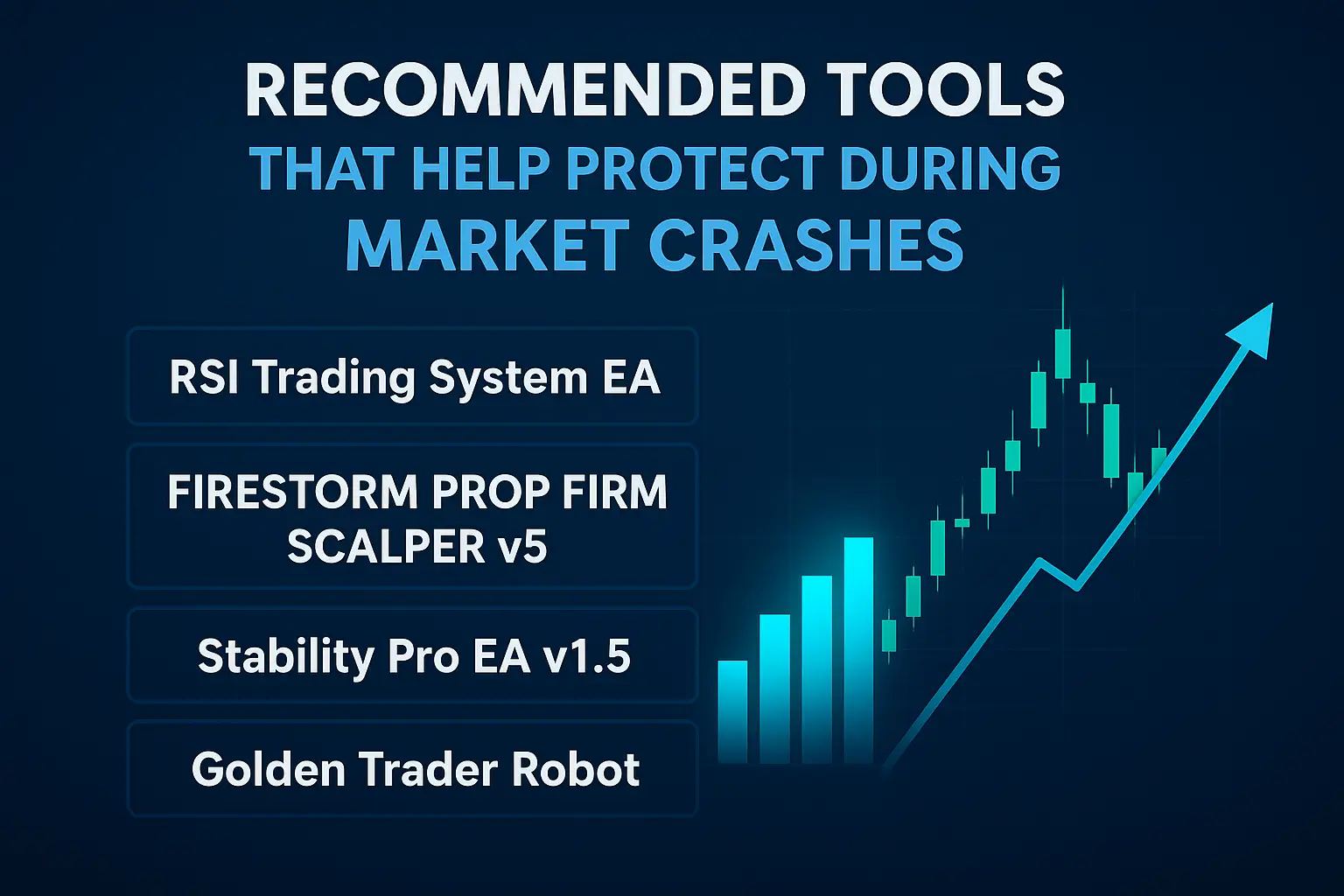
Here are a few reliable tools available on GregForex.com that can protect your capital and optimize recovery after market crashes:
These tools are all part of the Expert Advisor category and have been tested in volatile conditions.
Surviving a market crash doesn’t mean giving up trading; it means adapting. Traders who manage risk effectively and protect their equity can use the recovery phase to grow steadily.
With a strong foundation built using reliable tools, smart money management, and calm psychology, you’ll not only survive future crashes but thrive in them.
A market crash is not the end — it’s a test of preparation.
By understanding volatility, automating protection, and using EAs like RSI Trading System EA and Leopard Scalper EA v1.4, you can turn chaos into opportunity.
Visit GregForex to explore verified forex tools that help you trade safely and profit consistently, even when the market is unpredictable.
Automated trading carries risks, but crash-proof EA templates protect capital and limit losses. These templates...
Understanding major and minor currency pairs is the first step in forex trading. Understanding major...