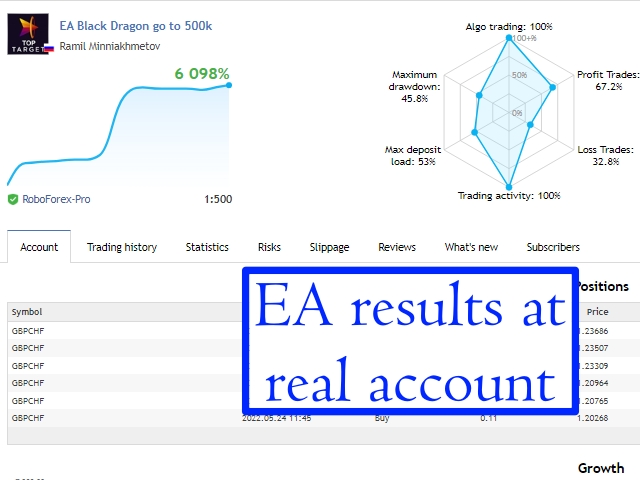
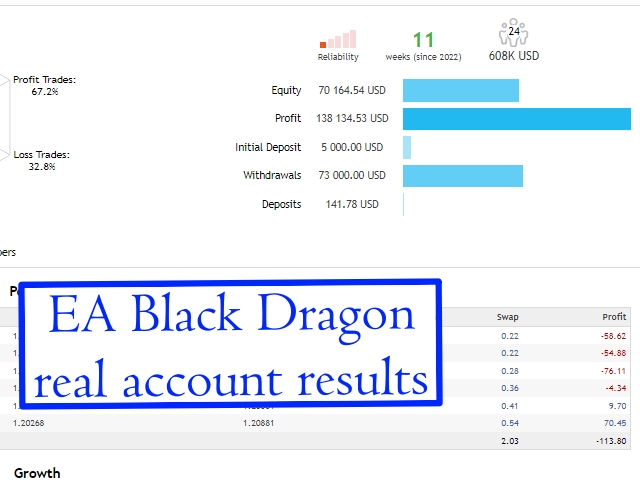
It works like a magic!
As a trader, I found this tool useful for spotting market trends and making informed decisions. The real-time data and clear chart patterns help identify potential trade opportunities.

INSTANT DOWNLOAD!
Price: $17.00
Content: Expert: EA Black Dragon MT5 V13.ex5 (Unlocked MT5 Build 4885+), NO MANUAL

EA Black Dragon v13 for MT5 – Smart Forex Trading with Indicator-Based Entries
EA Black Dragon is built around the Black Dragon indicator. It opens trades based on the indicator’s color signals. You can either grow a trade network or use a stop-loss for risk control. The EA works best on MT5 accounts that support hedging, making it a flexible and smart tool for traders.
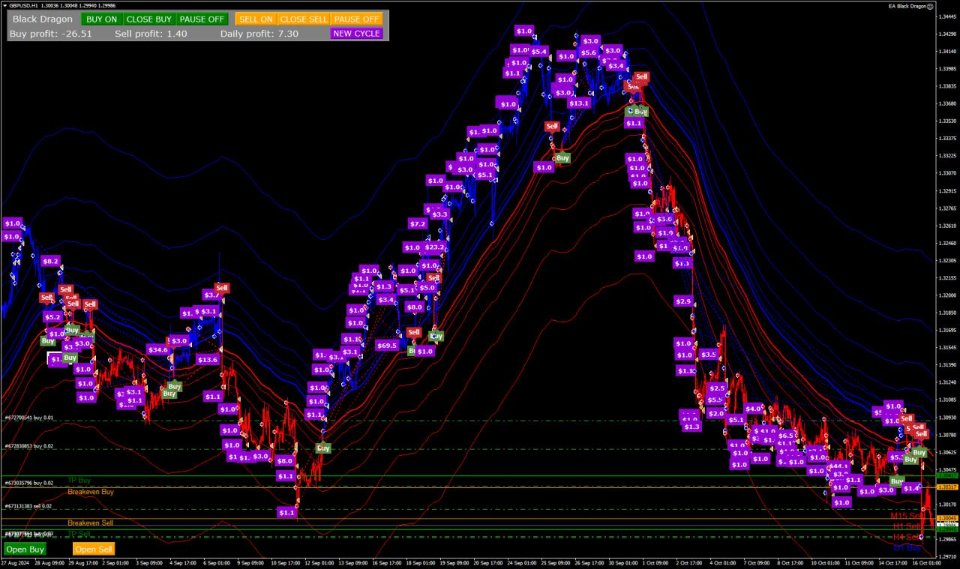
EA Black Dragon v13 – Input Settings Overview
🔹 Open New Series (True/False):
Enable or disable the opening of a new series of orders.
🔹 Trade Buy (True/False):
Allows the EA to open Buy trades.
🔹 Trade Sell (True/False):
Allows the EA to open Sell trades.
🔹 Manage Manual Orders (True/False):
If enabled, the EA will manage your manually placed trades.
🔹 Use Hedge (True/False):
Enables both Buy and Sell trades for hedging.
🔹 Order Comment:
Add a custom comment for each trade.
🔹 Max Spread (0 = disable):
Set the maximum allowed spread for trades.
🔹 Start Hour / End Hour:
Set the trading time window by hour.
🔹 Magic Number:
Unique ID for the EA to manage its trades.
🔹 TF Black Dragon:
Select the time frame for the Black Dragon indicator.
🔹 Use Stochastic (True/False):
Enable to use stochastic settings for trade entries.
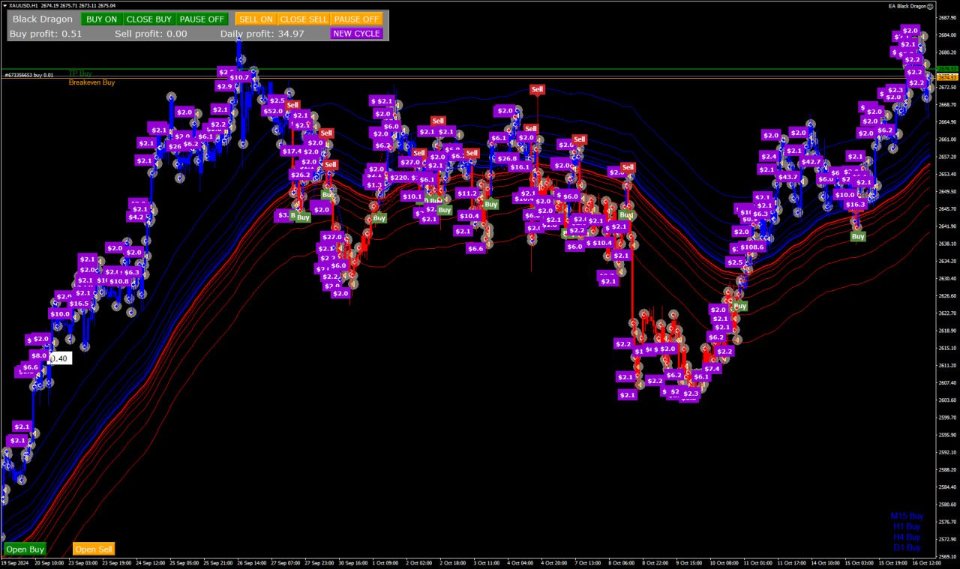
EA Black Dragon v13 – Advanced Input Settings
🔹 Max Buy Orders:
Sets the maximum number of Buy orders allowed.
🔹 Max Sell Orders:
Sets the maximum number of Sell orders allowed.
🔹 Initial Lot:
Lot size for the first trade.
🔹 Autolot (True/False):
Enable or disable automatic lot size calculation.
🔹 Autolot Size:
Deposit amount used to calculate the starting lot when Autolot is enabled.
🔹 Lot Multiplier:
Increases the lot size for each new order in the series.
🔹 Max Lot:
Limits the largest lot size the EA can open.
🔹 TP (Take Profit) [0 = off]:
Target profit in pips for closing trades.
🔹 SL (Stop Loss) [0 = off]:
Sets the stop loss in pips.
🔹 Overlap Last Order (True/False):
If enabled, the first and last orders will close together to reduce drawdown.
🔹 Overlap Last Order Number:
Defines the order number at which overlap starts.
🔹 Overlap Percent:
Percentage profit that will recover the loss from the first order.
🔹 Pause Between Orders [0 = off]:
Minutes to wait before opening the next order.
🔹 Fixed Distance:
The set distance in pips between consecutive orders.
🔹 Order Dynamic Distance:
The order number at which dynamic spacing between orders begins.
🔹 Dynamic Distance Start:
Initial distance from the market price to begin dynamic spacing.
🔹 Distance Multiplier:
Multiplier used to increase spacing between orders as more are placed.