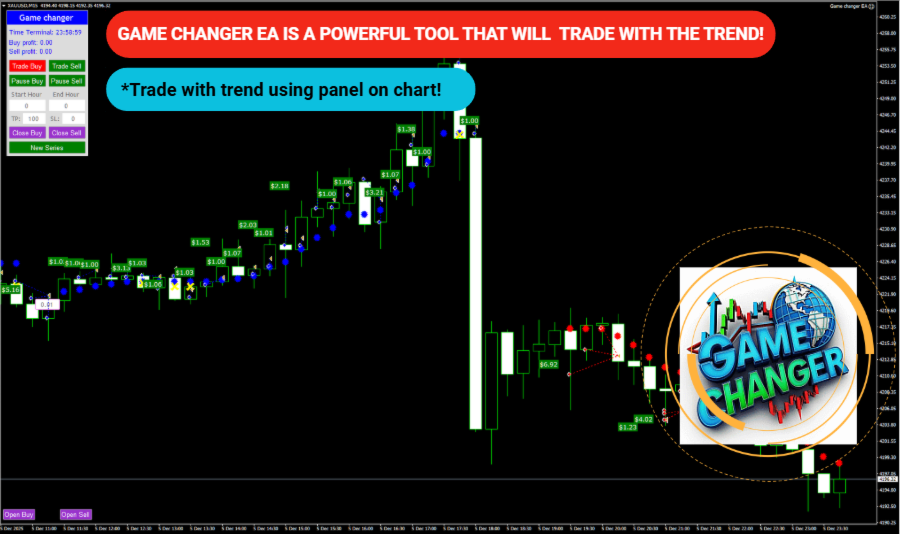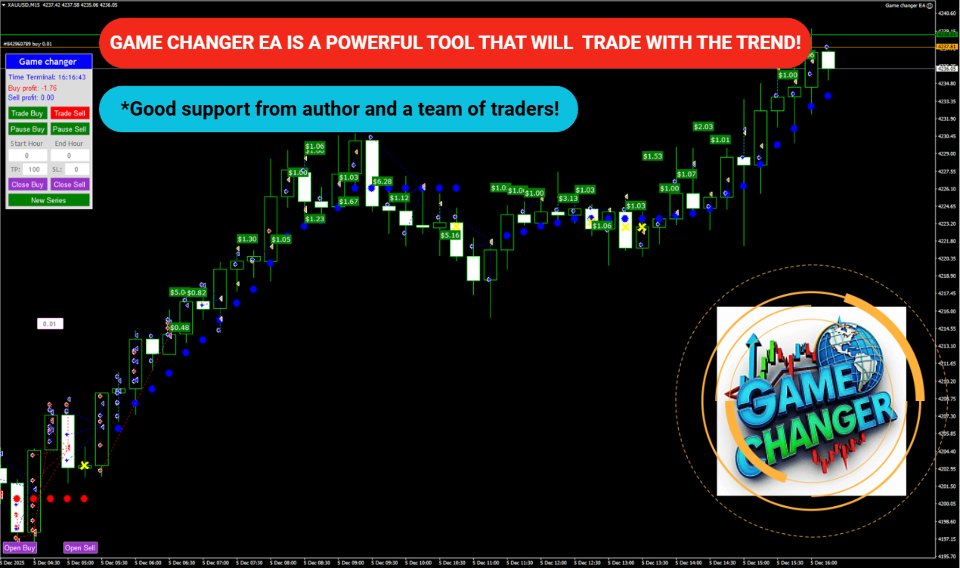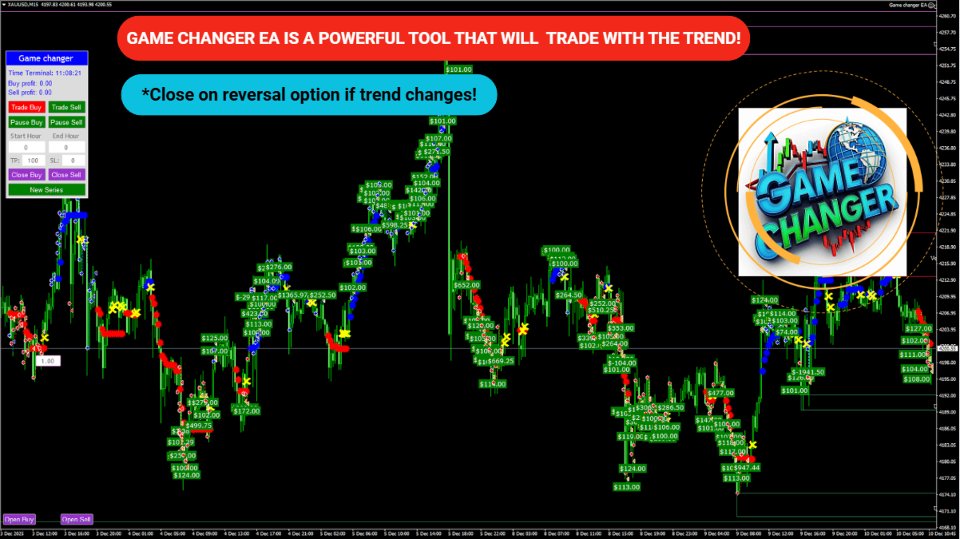

It works like a magic!
As a trader, I found this tool useful for spotting market trends and making informed decisions. The real-time data and clear chart patterns help identify potential trade opportunities.

INSTANT DOWNLOAD!
Your price: $14.00
Content: Expert: EA Game Changer_fix.ex4 (Unlocked-Unlimited), Presets: 6, Settings, NO MANUAL.
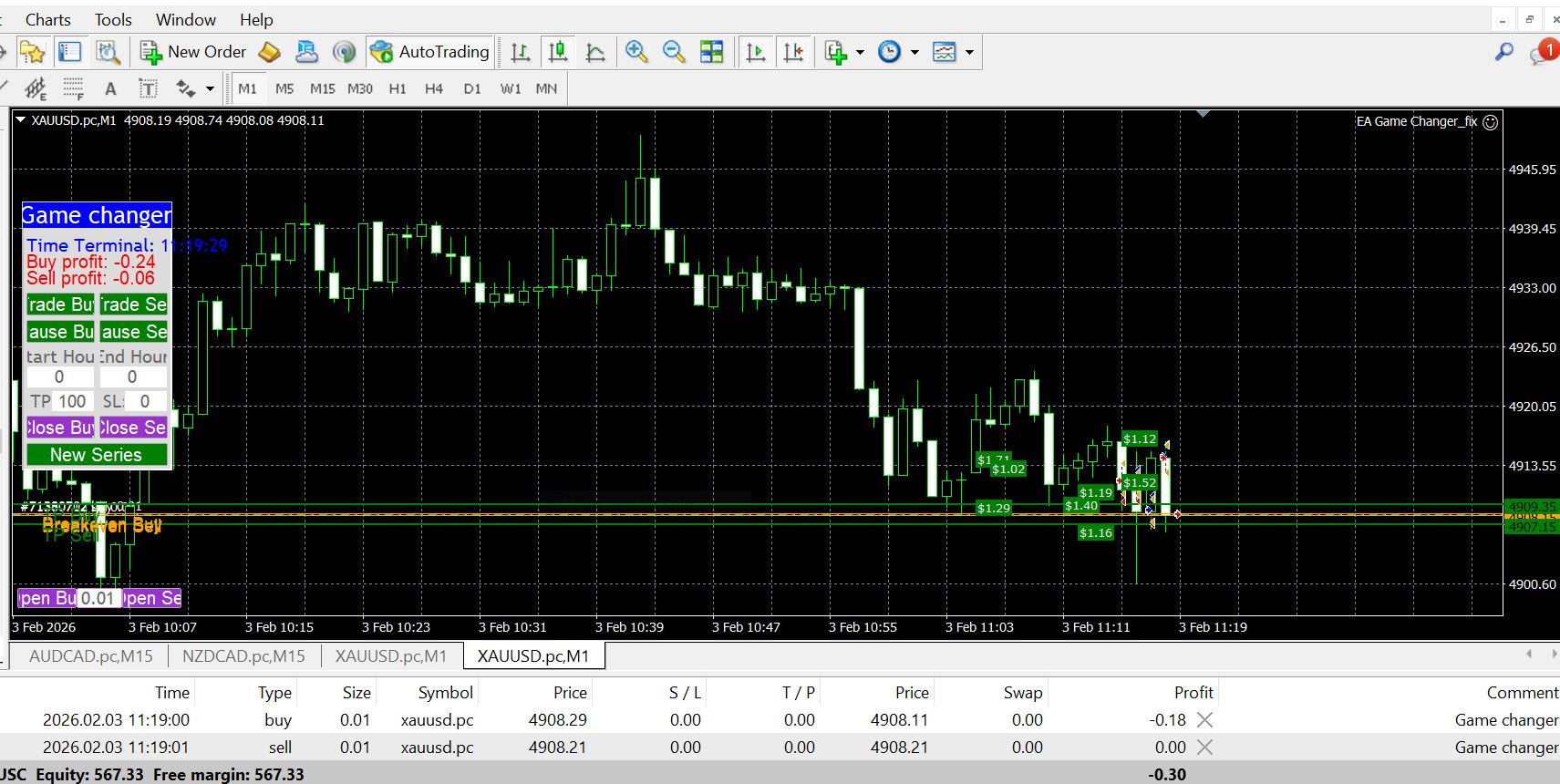
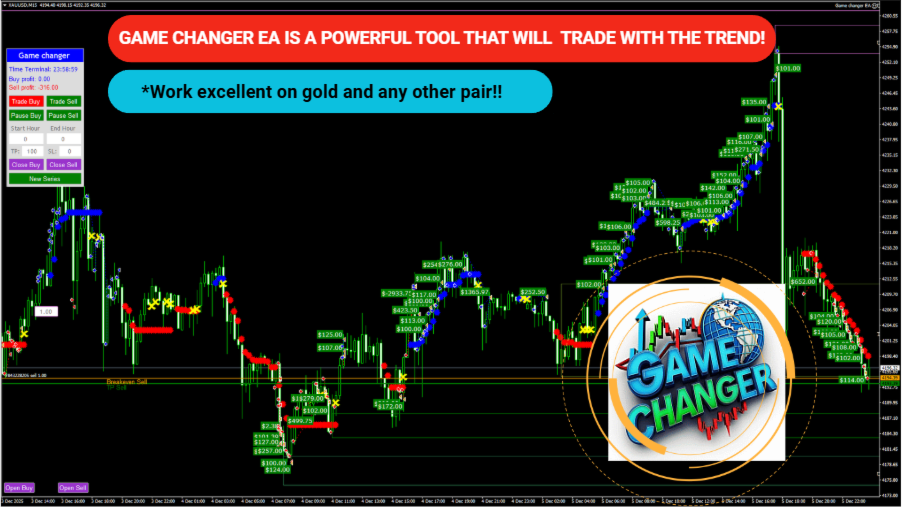
Game Change EA is a trend following trading system powered based on the Game Changer indicator. It automatically sells whenever a red dot forms and continues in the sell direction until a yellow X appears, which signals a potential end of the trend. The same logic applies for buy trades. When a blue dot appears the EA begins buying and it will close out the buy cycle as soon as a yellow X is detected.
This EA is suitable for any currency pair and any time frame, however it performs exceptionally well on strong trending instruments such as xauusd on the M15 time frame.
Settings:
- Open new series – true/false – beginning of a new series of orders.
- Trade Buy – allow the EA to buy.
- Trade Sell – allow the EA to sell.
- Support manual orders – true/false – allow the EA to control manual orders
- Use hedge – allow the EA to trade both direction buy and sell. If false only one trade direction.
- Max Orders – the maximum amount of orders allowed.
- Order Comment – the description of the system name
- Start lots – the minimum starting lot
- Use Money Management – true/false – use of automatic lot calculation true or false.
- Autolot. Free margin for each 0.01 lot -the amount of free margin for opening every 0.01 lots.
- Lot multiplier – the lot multiplier for the following orders.
- Max lot – the maximum lot size allowed.
- Real TP points (0 – not use) – real TP, the broker can see it – in points
- Virtual TP points (0 – not use) – virtual TP, the broker cannot see it – in points
- Real SL points (0 – not use) – real SL, the broker can see it – in points
- Virtual SL points (0 – not use) – virtual SL, the broker cannot see it – in points
- Use Real Trail (false: virtual) true/false – the use of real trail if true broker can see, if false broker cannot see
- Trail Start points (0 – not use) – How many pips profit is required before the trailing stop begins. (0 = trailing off)
- Trail Step points – after trailing is active, the stop loss moves every X pips the price advances.
- Close from reverse signal – true/false – if true EA will close if signal/trend changes
- Max spread (0 – not use) – the maximum spread allowed
- Start Hour – the hour that the EA must start according to broker market watch
- End Hour – the hour that the EA must end according to broker market watch
- DD Reduction Algoritm – drawdown reduction algorithm it when last order with profit will be closed together with the first order.
- Number order for DD Reduction Algoritm – from which order the drawdown reduction algorithm is activated.
- Percent profit for DD Reduction Algoritm – percentage of profit when closing orders in the drawdown reduction mode.
- Draw on-off – true/false – Showing the profit labels on the chart or not
- Next is font settings
- Pause between orders (min 0 – not use) – amount of minutes to pause between orders
- Magic – is a special number that the EA assigns to its orders.
- Fix distance – fixed distance between orders in points
- Order dinamic distance – from which order will the dynamic distance be applied in order.
- Dinamic distance start – the starting value for the dynamic distance in points.
- Distance multiplier – the dynamic distance multiplier.
- Next: Panel Parameters