



It works like a magic!
As a trader, I found this tool useful for spotting market trends and making informed decisions. The real-time data and clear chart patterns help identify potential trade opportunities.

INSTANT DOWNLOAD!
Your price: $17.00
Content: Expert: EA Skynet_fix.ex4 v8.75 (Unlocked-Unlimited), Document: eaSkynetSettings.txt.
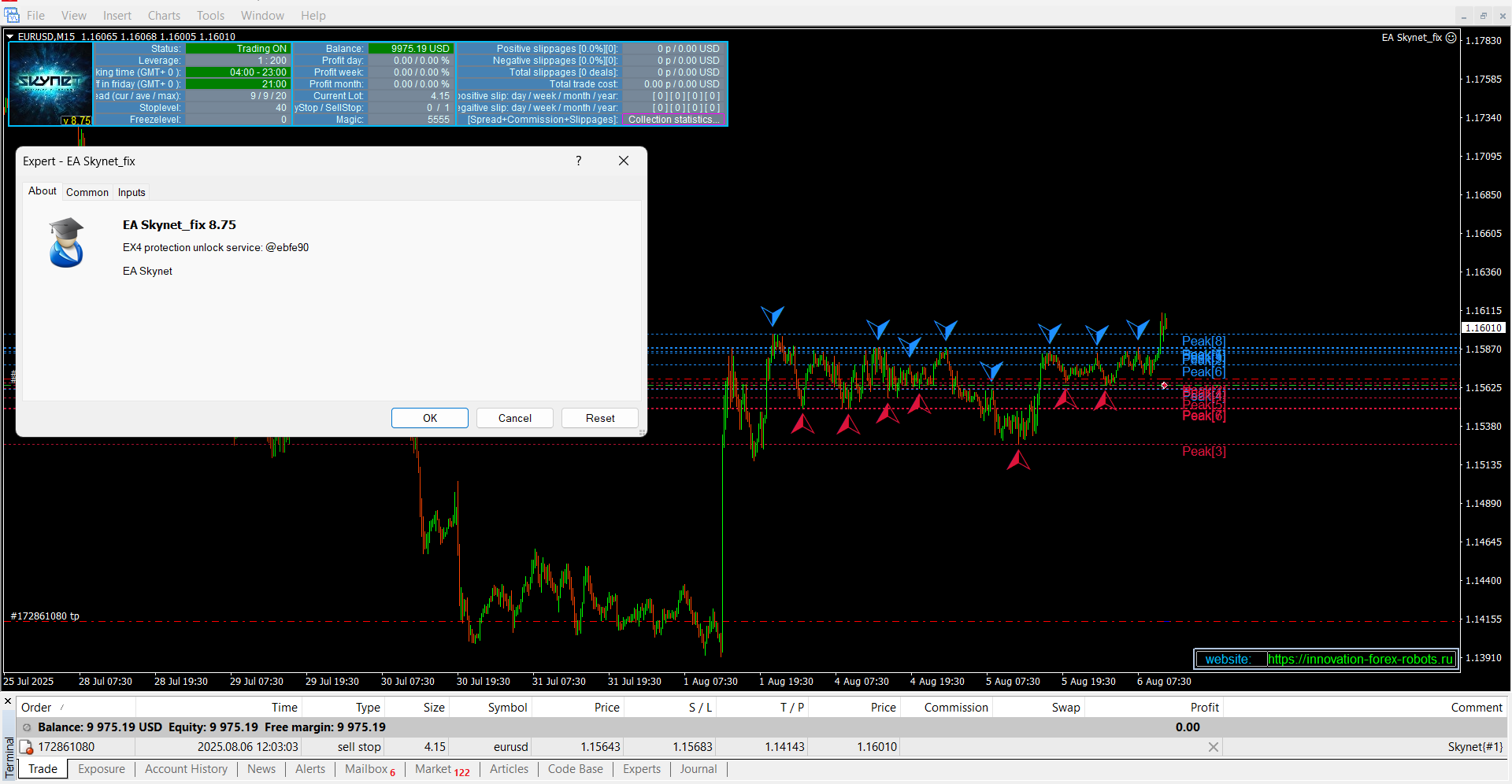
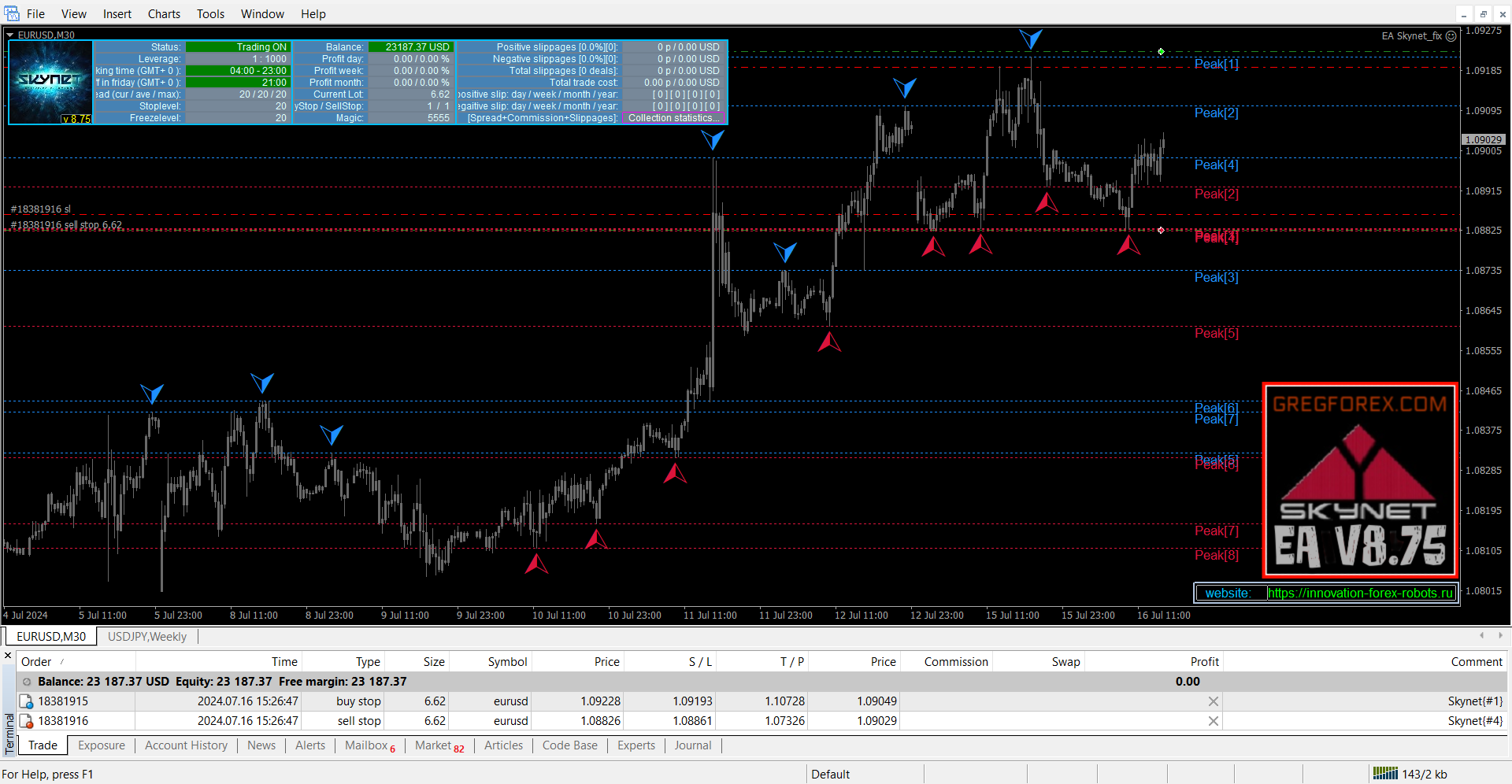
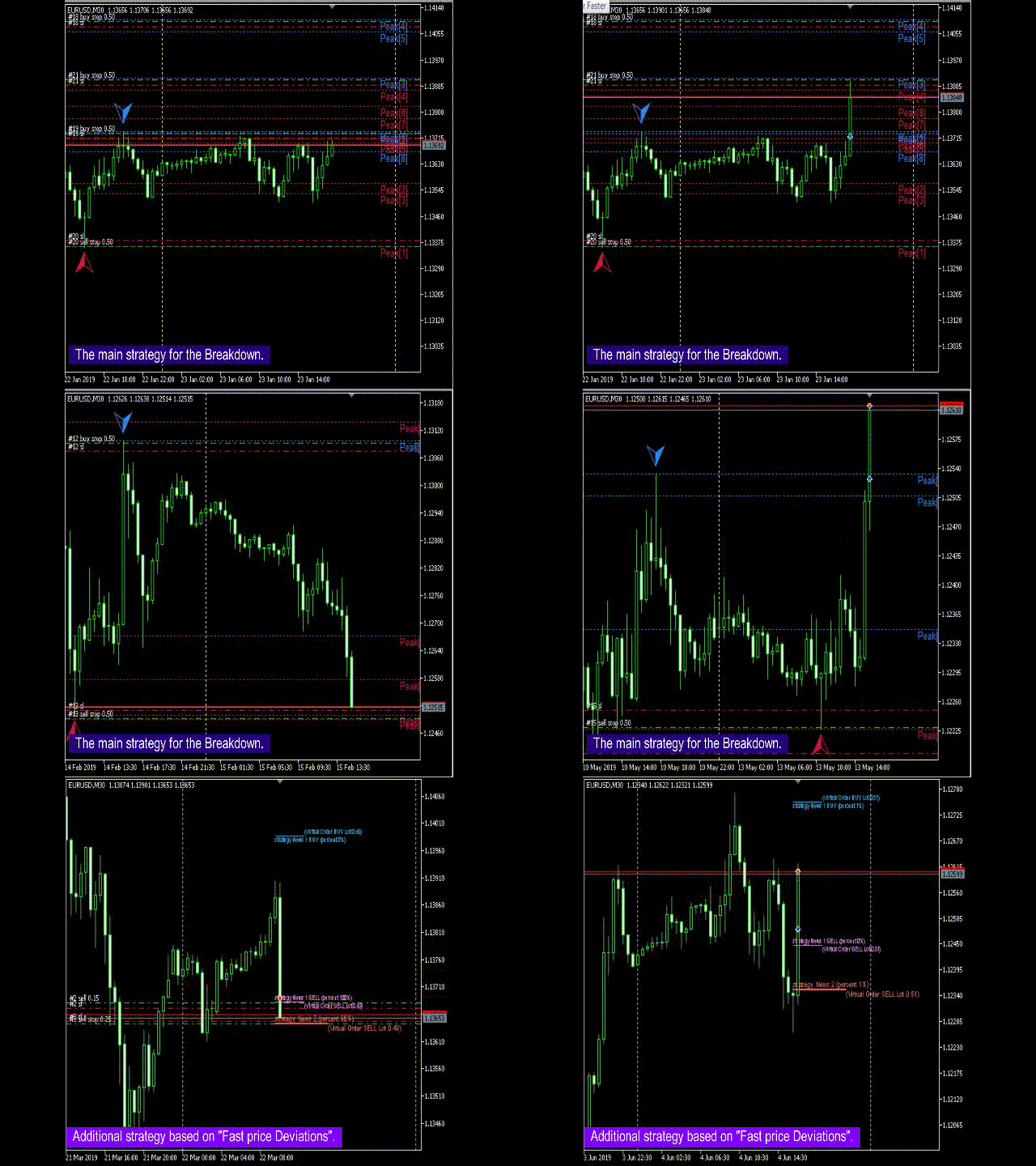
🚀 SKYNET Expert Advisor (EA)
SKYNET is a fully automated, smart, and adaptive trading algorithm designed for modern forex markets. This EA leverages a high-precision breakout strategy, calculating support and resistance zones using statistical models and historical price action. It then places pending orders with precision timing based on breakout probabilities.
🧠 Smart Algorithm with Adaptive Logic
-
SKYNET analyzes historical price data to determine high-probability breakout zones.
-
Pending orders are placed in anticipation of breakouts from key support and resistance levels.
-
The EA dynamically adapts to changing market conditions to maintain optimal performance.
✅ Tested & Verified
-
Backtested using real tick data with 99.9% modeling quality
-
Stress-tested to ensure stability and consistent results
-
Includes real-time statistics output via an on-screen information panel
⚙️ Recommended Setup
-
Broker Type: ECN only
-
Spread: As low as possible, ideally 0–20 points
-
Quotes: 5-digit quotes supported
-
Timeframe: 30-minute (M30)
-
Currency Pair: Optimized for EURUSD
-
VPS: Required for 24/7 stability
-
Minimum Deposit: $100
-
Stop Level: 0–5 points
🔧 Core Parameters
| Setting | Description |
|---|---|
| Order Type | Choose trade direction (buy/sell) |
| Magic | Unique identifier for each trade |
| Order Comment | Custom label for trades |
| Slippage | Allowed deviation in price execution |
| Risk Protection Close Orders | Enables emergency position closing to avoid large losses |
| Use Custom Slippage | Close trades if slippage exceeds set limit |
| Custom Slippage | Slippage threshold in points |
| Information Graphics | Show/hide trading data on chart |
| Use Strategy Breakdown | Enable breakout-based strategy logic |
| Max Spread | Maximum allowed spread to trigger trade |
| Disable Trade If Spread High | Temporarily halts trading if average spread exceeds Max Spread |
| Custom Balance Mode | Choose between free margin or account balance for calculations |
| Use Risk MM | Enables automatic lot scaling based on balance |
| Percentage Risk | Risk % for auto lot size (when Risk MM is active) |
| Fixed Lot | Manual lot size (used if Risk MM is disabled) |
| Take Profit / Stop Loss | Set in points, configurable to broker quote precision |
| Adaptive Trading Stop | Activates smart trailing stop feature |
| Trailing Stop Settings | Choose from 6 different trailing stop behaviors |
🔃 Advanced Trade Management
-
Trailing Stop: Automatically adjusts stop loss once a position is profitable
-
Trailing Step: Distance between trailing stop adjustments
-
Breakeven Mode: Move stop loss to entry point once price reaches a target
-
Visibility Order %: Set how much price must move before placing a pending order
-
Delete Order %: Cancel pending orders if price reverses a certain percentage
🔄 Strategy Switching & Weekly Logic
-
Use Strategy 1 / 2: Enable one or both trading strategies
-
Step Orders: Distance between price and pending virtual orders
-
Step Factor Orders: Multiplier when price moves away from or towards the order
-
Breakdown Past Weeks: Use historical weekly data for breakout calculation
📆 Weekly Trading Control
-
Enable/disable trading by day:
-
MondaythroughFridayindividually configurable -
Ensures maximum control over market exposure
-
⏰ Time-Based Trading
| Setting | Description |
|---|---|
| Use Time | Enable time-based trading restrictions |
| Time Setting | Choose between server or local PC time |
| GMT Setting / Mode | Configure time zone offset manually |
| Daily Start/End | Define trading hours for each day |
| Disable on Friday | Automatically close EA before the weekend |
💰 Additional Settings
-
Custom Commission: Adjusts calculations to include broker commission
-
Show Info Panel: Toggle display of real-time trading data (disabling speeds up strategy testing)
Would you like this transformed into:
-
A PDF manual
-
An MT4 readme.txt file
-
A product page description for MQL5/website